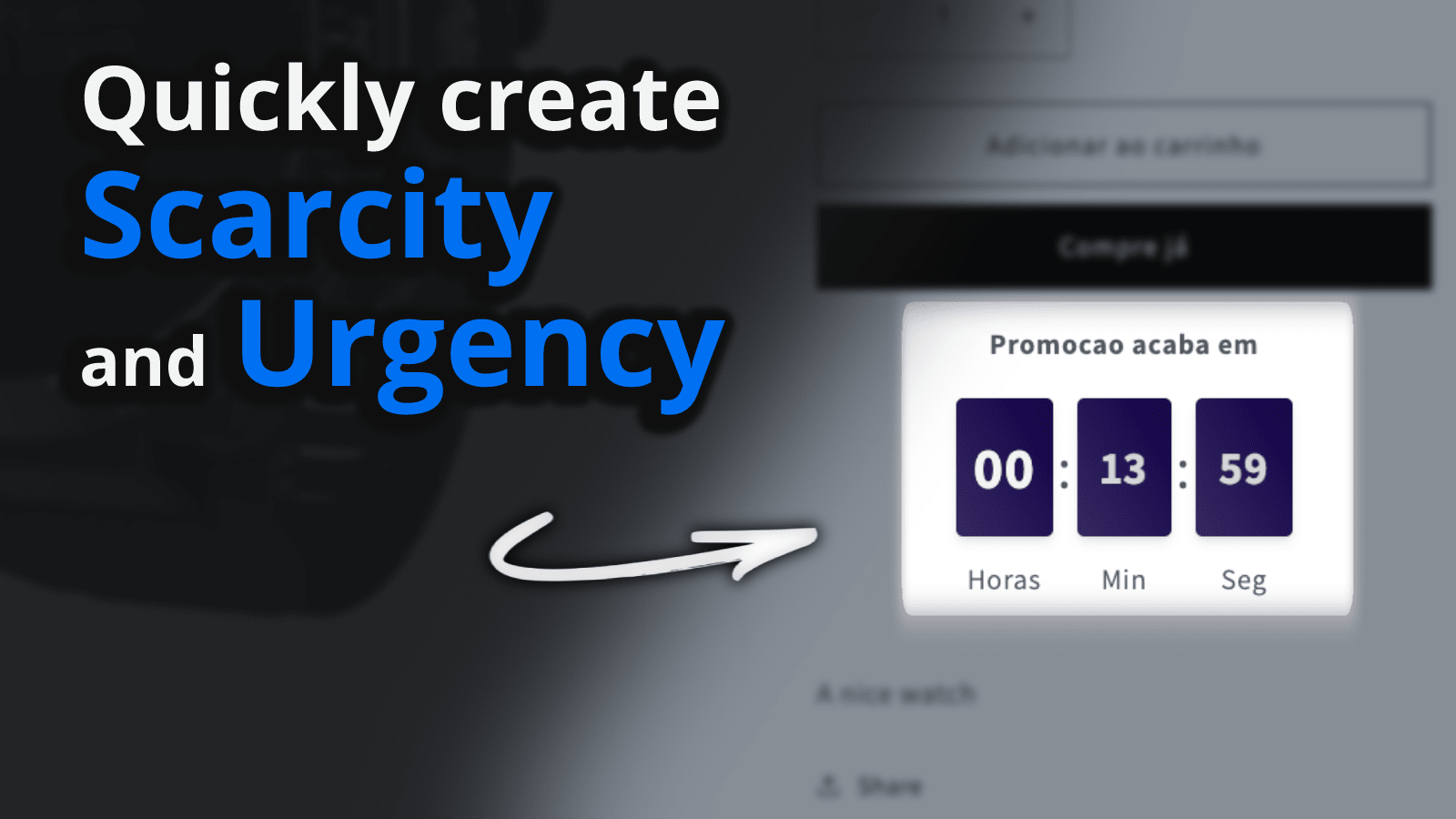
Scala Hide Sold-Out Variants
Shopify app that hides, disables or strikes through sold-out variants so shoppers never pick an unavailable option and abandon at checkout. Works with dropdowns, swatches and custom rules. No theme edits. 5.0 rating.
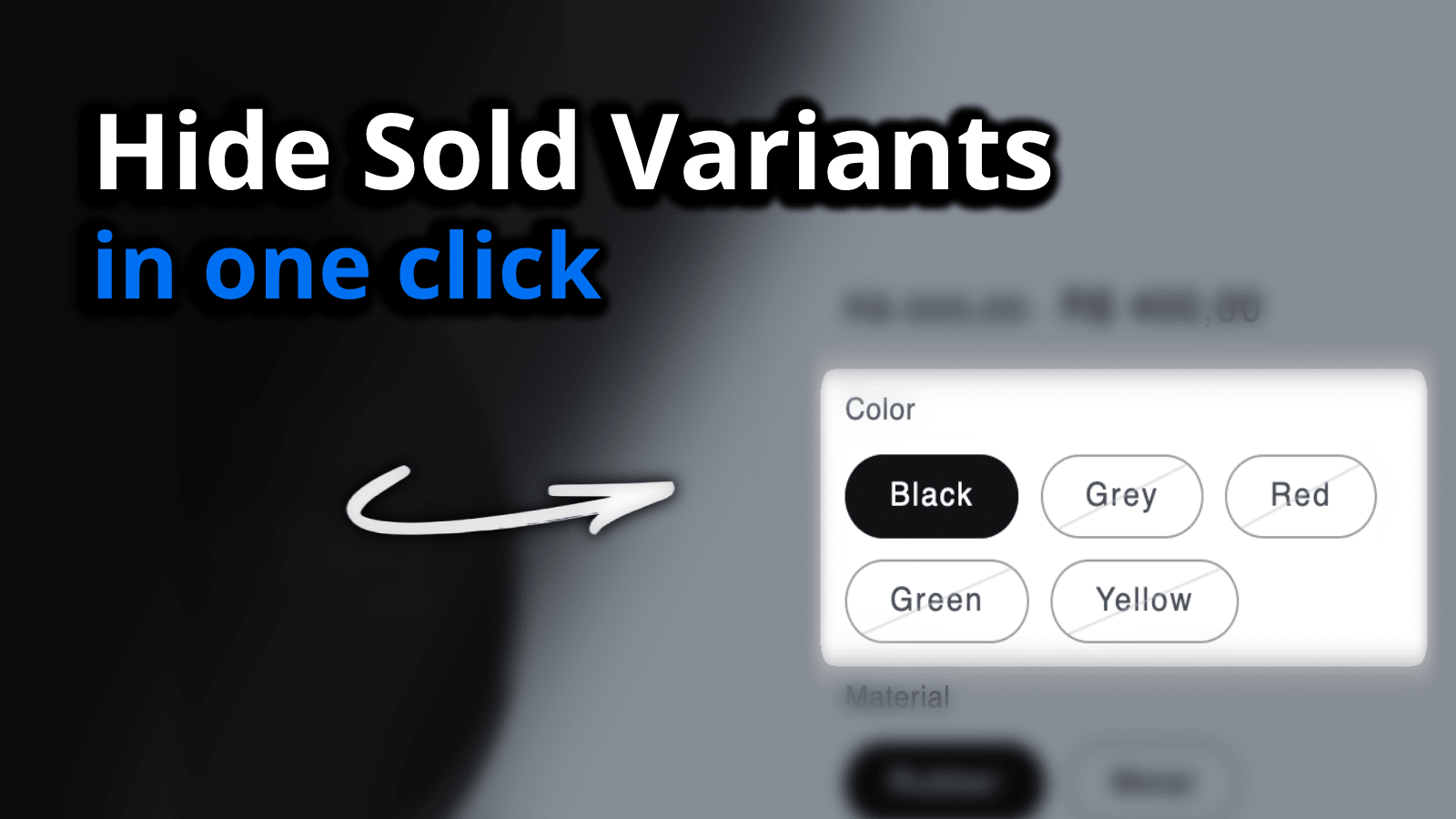
Scala Hide Sold Variants is a lightweight Shopify app that hides, disables or strikes through sold-out variants so shoppers never select an option they can't actually buy. It carries a 5.0 rating and the Built for Shopify badge, installs without touching your theme files, and never reads your customer or product data.
Why hide sold-out variants?
On a default Shopify product page, every variant stays clickable even when it is out of stock. A shopper picks their size or color, adds to cart, and only discovers the option is unavailable at checkout, right at the moment they were ready to pay. That friction is a common, avoidable cause of abandoned carts. Showing availability up front keeps the buyer moving toward the variants you can actually ship.
How it works
Instead of leaving dead options on the page, the app reflects real inventory in the variant picker. You choose how unavailable options should appear:
- Hide the variant entirely so only buyable options show.
- Disable it with a greyed-out or struck-through state that signals "sold out" without removing it.
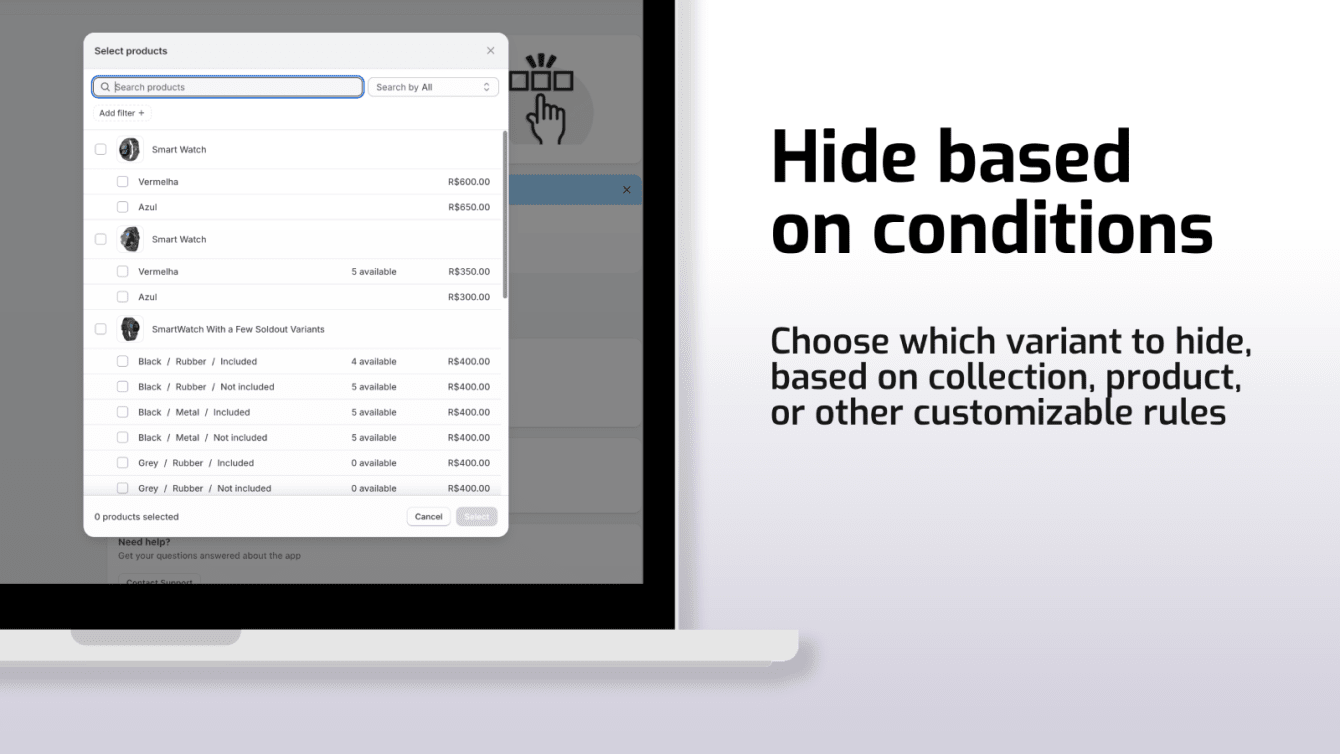
Beyond automatic out-of-stock handling, you stay in control of what shows. You can hide variants manually when you want an option gone regardless of stock, hide variants per region so buyers only see what you sell where they are, and set custom rules based on quantity so a variant disappears once inventory drops below a threshold you choose. You can also scope where the app runs, enabling or disabling it by URL, collection or product tags so it only touches the pages you want.
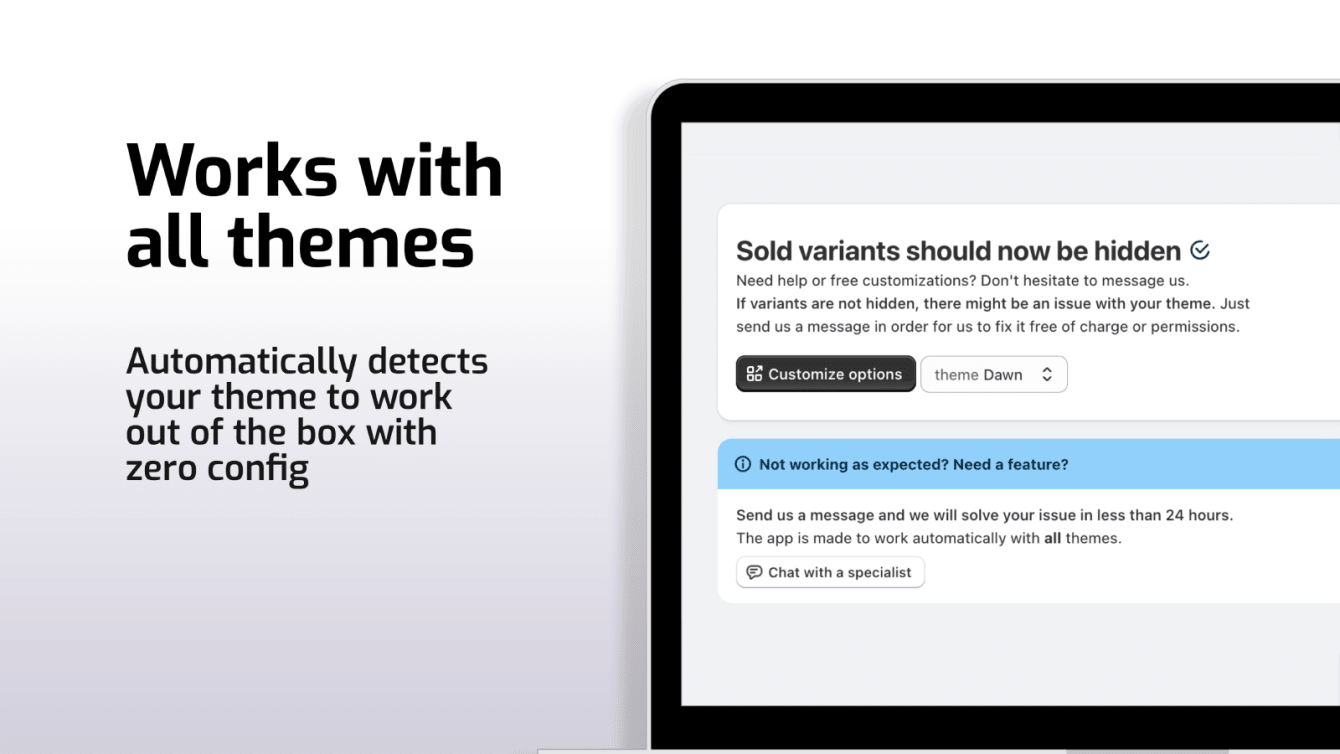
Setup takes a few minutes and needs no code. The app works with dropdown menus, color swatches and third-party variant apps, so it fits whatever product page you already run.
Features
- Hide, disable or strike through sold-out, unavailable or any custom variant.
- Manual hiding: hide specific variants by hand, whatever their stock level.
- Per-region hiding: show or hide variants based on the shopper's region.
- Quantity rules: hide a variant once its inventory drops below a threshold you set.
- Scoped control: enable or disable the app by URL, collection or product tags.
- No limits: works across unlimited variants and unlimited products.
- Broad compatibility: works with dropdowns, swatches and popular variant apps.
- Privacy-friendly and safe: no theme file edits, no access to customer or product data.
Frequently asked questions
Does Shopify hide sold-out variants by default?
No. By default Shopify still shows and lets shoppers select out-of-stock variants, and they only learn the option is unavailable at checkout. Scala Hide Sold Variants closes that gap by hiding or disabling those options on the product page.
Will it change my theme files?
No. The app runs without altering your theme files and does not read your customer or product data, so it stays out of the way of your store and your data.
Does it work with swatches and dropdowns?
Yes. It works with dropdown menus, color swatches and common third-party variant apps, so it fits most product page setups without extra configuration.
Clear out dead variants and recover lost sales
Stop losing buyers to options they can't purchase. Install Scala Hide Sold Variants and let shoppers see, at a glance, exactly what is available.